
Temporary WiFi for large events: protect the systems that run the show
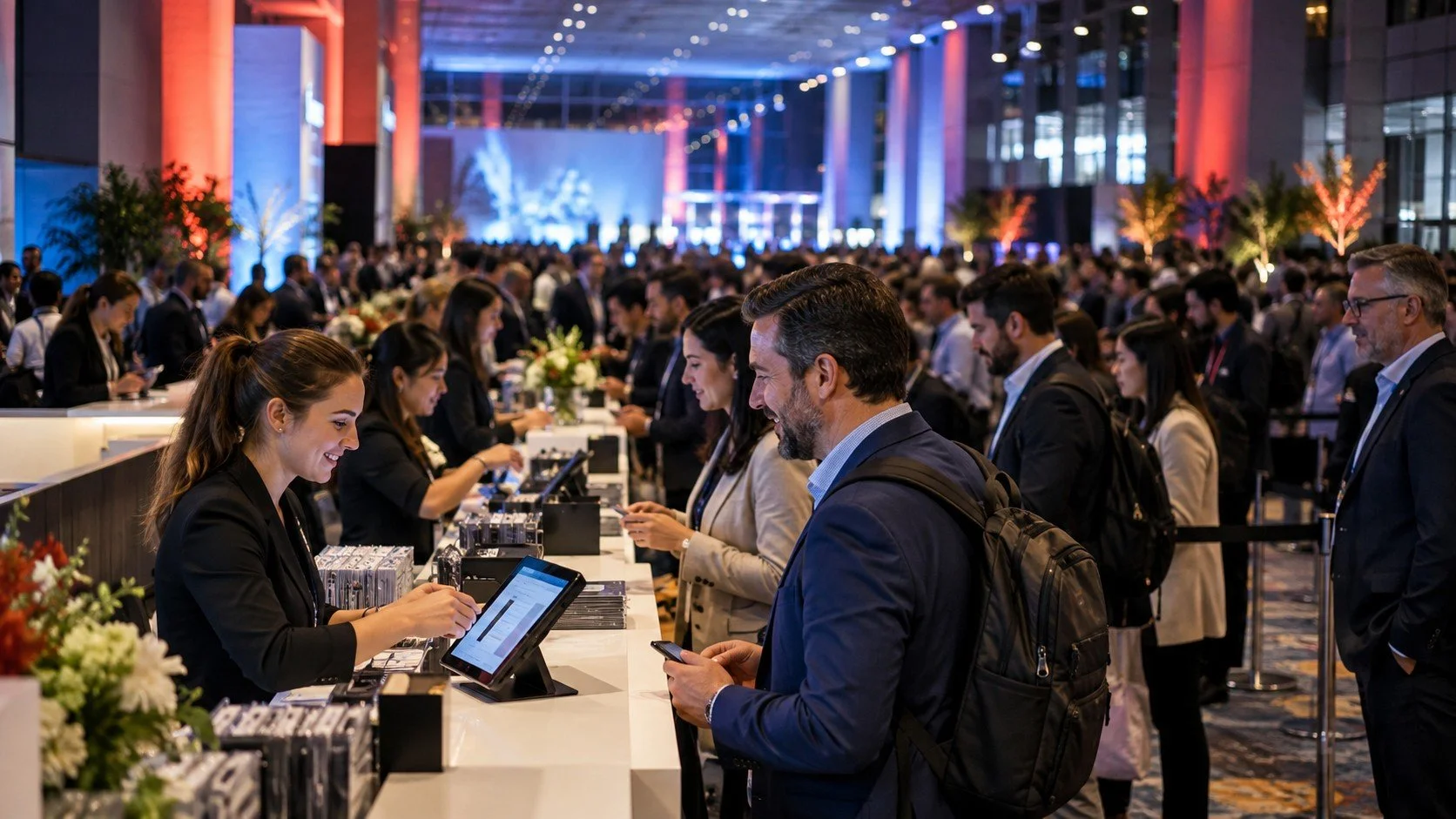
Registration. Payments. Production. Keep the connections behind the experience working.
At a large event, a bad connection can stop registration, Point of Sale, production or guest services. When thousands of attendees are moving through a venue, the planner’s job is to keep those systems operational and fix trouble before the crowd notices it.
We have worked events that needed a simple network for registration and Point of Sale, and events that needed free guest WiFi with strong connections in remote areas and islands. That range changes the first question we ask: What absolutely has to work throughout the event?
1 / CRITICAL SYSTEMS
Start with the systems the event depends on
Registration and Point of Sale have a different consequence when connectivity fails than a guest trying to get online. Production and guest services belong in the same conversation because a temporary internet plan has to account for every operational service that depends on a connection.
Slice can separate critical systems into dedicated networks for Point of Sale, registration, production, staff, vendors, VIPs and guests. Separate SSIDs and VLANs, along with bandwidth controls, firewall rules and WiSNET policies, allow the network to reserve capacity or assign higher-priority connections to systems such as registration, payments and production.
That matters when guest traffic starts climbing. Attendee devices should not be competing on equal terms with the connections responsible for checking people in, processing payments or running production.
This is where an event planner should push past a quote that simply promises “WiFi.” The network requirements should reflect what the event is actually asking the connection to support.
“What absolutely has to work throughout the event?”
2 / VENUE PLANNING
Look at the venue where people will actually gather
Our earlier article, WiFi at Events: 7 Tips for Event Planners, tells planners to understand the technology already in the venue and pay attention to densely populated areas such as lobbies, registration areas and session rooms.
Those are still the places where the WiFi plan needs scrutiny.
Current planning starts with the number of attendees, how many devices they may bring and how many are likely to connect at the same time. Slice’s current guidance uses roughly 1.5–3 devices per attendee and 30–50% of attendees connected simultaneously during peak periods as planning starting points.
Those numbers alone do not tell you how many access points an event needs. Walls, floorplans, outdoor areas, booth layouts, interference and where crowds will gather all affect the design. A wireless site survey helps identify coverage requirements, access-point placement, available cabling, power and signal challenges before deployment.
One Slice deployment for Howard University covered a 125,000-square-foot outdoor event area with more than 20 access points. Weather made Ethernet cabling impractical, so technicians used wireless backhaul radios to connect the network. At peak utilization, more than 1,000 devices were connected, with downlink traffic exceeding 170 Mbps and uplink traffic exceeding 100 Mbps.
Slice has also provided event connectivity on Ellis Island and Governors Island, where the location itself creates another layer of planning.
3 / CAPACITY
Size internet around what people need to do
Bandwidth matters, but the useful question is what the event expects to do with it. Our earlier article made that point around attendees, exhibitors and the other internet needs of the event.
Slice sizes event bandwidth around peak simultaneous demand rather than average attendance. Planning takes into account connected devices, concurrent users, Point of Sale, registration, exhibitor requirements, production traffic and video streams, then adds capacity for peak periods.
For networks carrying guest traffic alongside production and payment systems, bandwidth can also be reserved or shaped so critical services are not competing equally with general attendee use.
That information gives an event planner something much more useful than a connection speed on a proposal. It gives them a reason for the design.
4 / GUEST EXPERIENCE
Make guest access easy to understand
If guest WiFi is part of the event, attendees need to know how to get online. Our earlier guide recommends telling attendees the network name, password and any applicable connection limits.
Guest access can be simple or controlled depending on the event. Slice supports branded captive portals, free access, limited access and premium WiFi tiers. Portal options can include email or social login, sponsor branding, polls, advertising or other predefined actions.
Different policies can also be created for attendees, exhibitors, staff, vendors and VIPs.
For the attendee, the instructions should make the event SSID and login process obvious and explain any limits or premium-access choices that apply.
The guest experience matters, but it should never leave the planner wondering what is happening with the connections running registration, Point of Sale, production or guest services.
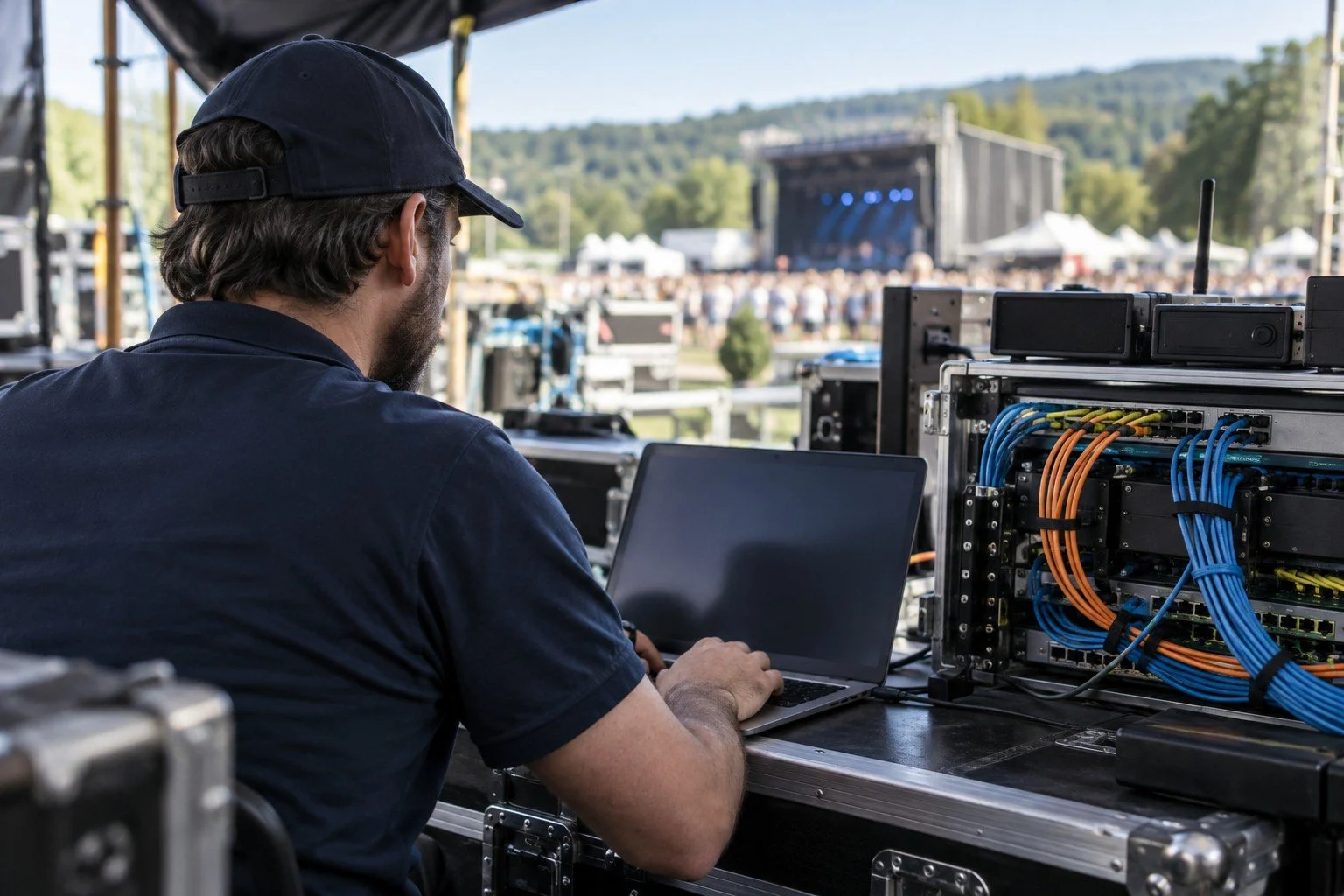
Behind the scenes, network support keeps the event moving
5 / MONITORING & SUPPORT
Find problems before the event finds them for you
A large-event planner is trying to fix connection problems before they become visible. That makes support during the event part of the temporary WiFi decision, not something to figure out after an issue starts.
Slice can test the network before doors open and monitor it while the event is running. Current event services include real-time network monitoring, remote technical support and on-site engineering when required.
Network teams can watch client activity and network health, identify outages or unusual behavior and respond when a vendor, production workflow or high-traffic area needs attention. Remote helpdesk coverage and optional on-premise support can also be part of the event plan.
After the event, the earlier guide recommends reviewing a usage report, especially when the event will happen again.
Slice’s reporting can include the number of users who logged on, average session duration, bandwidth utilization, dwell time, total sessions, subscriber information and new-versus-returning user activity. Depending on the deployment, the platform can provide more than 100 reports.
For an event planner, that gives the next event a better starting point. You can see whether bandwidth needs to change, where the network saw the most use and where the design should be adjusted before people arrive again.
When you compare temporary WiFi companies, make them explain the plan around the services you cannot afford to lose. If the answer stays at “we’ll give you WiFi,” keep asking. Your event runs on specific systems in specific places. The internet plan should be just as specific.