
Cambium Networks Is in Administration: What WiFi and Wireless Internet Customers Should Do Now
If your business, venue, municipality, campus, or Wireless Internet network uses Cambium equipment, now is a good time to review your network plan.
There is no reason to panic or start pulling working access points off the ceiling. But there is a very good reason to make sure your network can be backed up, managed, repaired, and eventually migrated if needed.
On September 14, 2026, Cambium Networks Limited, the main trading entity of the Cambium Group, entered administration in the United Kingdom. Cambium Networks Corporation also reported a reduction of 260 employees, equal to 53.6 percent of its global workforce. The earlier technical review prepared for this article identified the same immediate issue: organizations using Cambium now need to treat vendor dependency as an operational risk.
So, what should a Cambium customer do next?
Is Cambium shutting down?
Not exactly, and this distinction matters.
Cambium Networks Limited has entered administration. The appointed administrators are exploring potential transactions involving the business and its assets. Cambium has also said that it expects parts of its fixed wireless broadband business to resume after a relatively short pause.
However, Cambium confirmed that production has been discontinued for its WiFi access points, NSE devices, and cnMatrix switches. Existing inventory may continue to be available through distributors and the administration process.
There is also uncertainty around cnMaestro Cloud.
Cambium's September 16 statement says:
“The intention is that cnMaestro Cloud will continue to operate at least through 1 October.”
That does not mean cnMaestro will shut down October 1. It means customers should use the time available now to get prepared.
What should you back up right now?
Ask yourself one simple question:
If a controller or access point failed tomorrow, could someone rebuild your network without relying on information stored only in Cambium's cloud?
If the answer is “maybe,” there is work to do.
At minimum, preserve your:
cnMaestro configuration and controller backups
Access point and radio configurations
Firmware files
Software installers
License and entitlement information
Administrator credentials
Certificates
VLAN and SSID settings
RADIUS and authentication settings
Equipment inventory and serial numbers
Antenna and RF settings
Point to point link information
Network diagrams
And do not simply create a backup and assume the job is finished.
A backup is useful only if it can actually be restored.
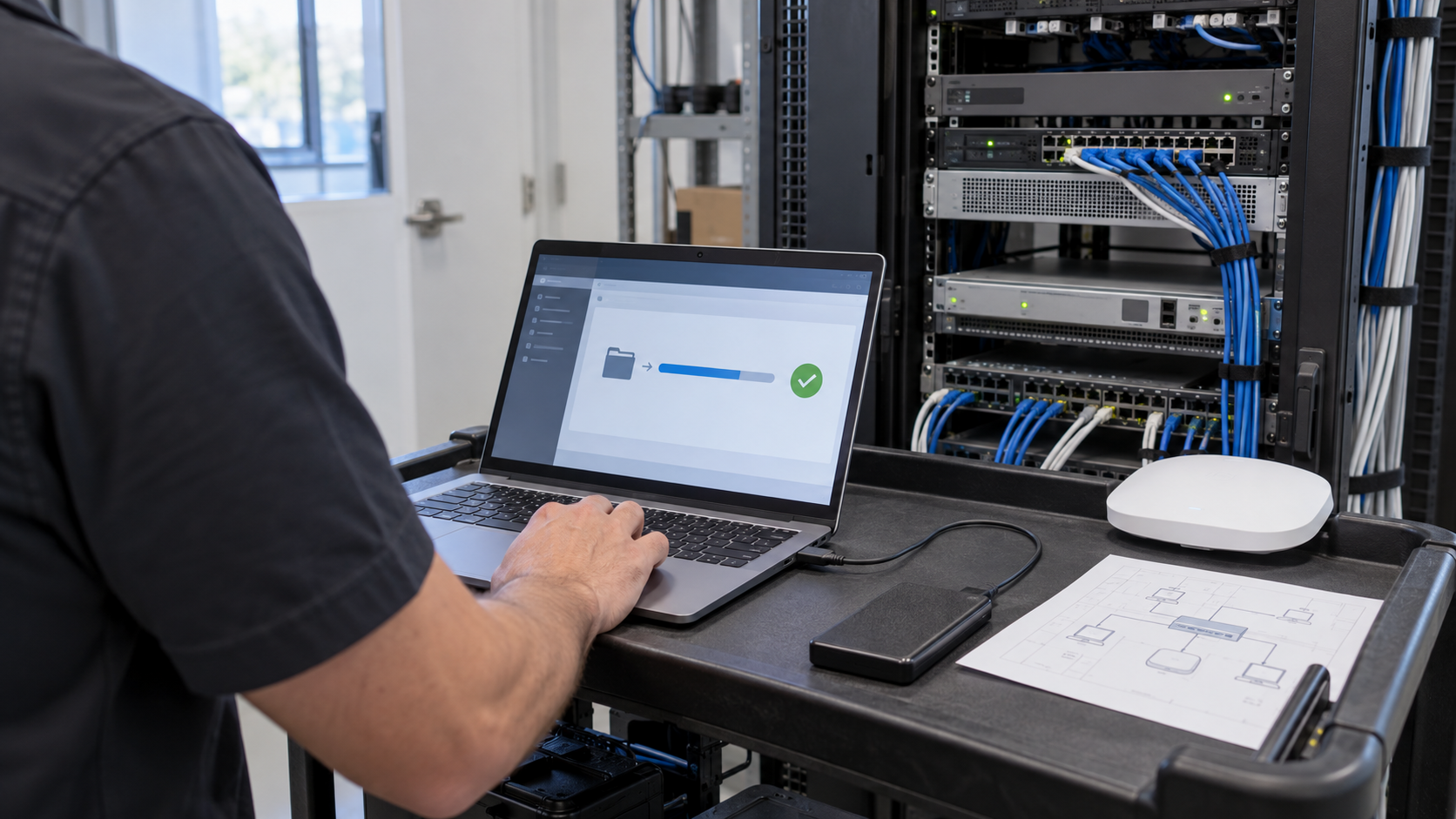
For larger permanent WiFi or Wireless Internet networks, this is a good time for a complete network assessment. SLICE's network process starts with understanding the existing environment, identifying RF and infrastructure issues, creating a design plan, and validating performance after changes are made. See how SLICE approaches wireless network planning and deployment
Can you run cnMaestro yourself?
For many Cambium customers, cnMaestro On Premises should be investigated immediately.
Cambium released cnMaestro On Premises 6.0 in July 2026. That release supports enterprise WiFi, PMP, cnWave, cnMatrix, EasyPass, and other parts of the Cambium portfolio.
Running the controller yourself can reduce your reliance on Cambium's hosted management service.
But there is an important catch:
Hosting the controller yourself does not automatically eliminate every cloud dependency.
Some services, licensing functions, regulatory systems, and specialized features may still depend on outside infrastructure. CBRS networks deserve particular attention because spectrum authorization involves communication with a Spectrum Access System.
Before moving anything, determine exactly what your network depends on.
This is also where a vendor neutral management strategy becomes useful. SLICE is hardware neutral and works across WiFi, private wireless, CBRS, DAS, 5G and other network technologies rather than forcing every site into a single hardware ecosystem. Explore SLICE wireless services
What access point platforms should you consider?
There is no universal replacement for Cambium WiFi.
Depending on the environment, alternatives can include platforms from RUCKUS, Ubiquiti, Arista, TP Link, and other commercial or enterprise manufacturers.
The right choice depends on:
User and device density
Required WiFi generation
2.4 GHz, 5 GHz, and 6 GHz coverage
Local or cloud management requirements
Authentication
VLAN support
Guest access
Captive portals
Security requirements
Support expectations
Replacement hardware availability
Budget
SLICE already uses this hardware neutral approach for permanent WiFi. The objective is not to promote one manufacturer's access point. It is to select the right architecture for the property.
For organizations considering WiFi 6, WiFi 6E, or WiFi 7, SLICE also has a practical guide explaining where each standard makes sense. Compare WiFi 6, WiFi 6E, and WiFi 7
What about point to point wireless links?
This is another area where Cambium has traditionally been strong.
A point to point wireless bridge can connect two buildings, extend Wireless Internet across a property, provide temporary internet where fiber is unavailable, or create backhaul for large area wifi.
There are still many alternatives.
For budget conscious applications, products from Ubiquiti and MikroTik can provide practical 5 GHz and 60 GHz links.
For example, the Ubiquiti LiteBeam 5AC is rated for more than 450 Mbps total throughput, while MikroTik's Wireless Wire Cube Pro uses 60 GHz with a 5 GHz backup radio.
For larger or more critical networks, platforms from Ceragon, Aviat and other carrier grade manufacturers provide licensed microwave and higher capacity options.
But choosing a bridge by advertised distance alone is a mistake.
A proper point to point design should consider:
Line of sight
Fresnel zone clearance
Distance
Interference
Frequency
Channel width
Antenna gain
Rain fade
Mounting stability
Required uptime
Actual throughput requirements
VLAN and network requirements
Power and surge protection
SLICE already designs networks around directional antennas, wireless bridges, point to point links, point to multipoint links, mesh, and wired backhaul depending on the location and application. Read SLICE's guide to WiFi signal patterns and wireless network topology
Is point to multipoint more difficult to replace?
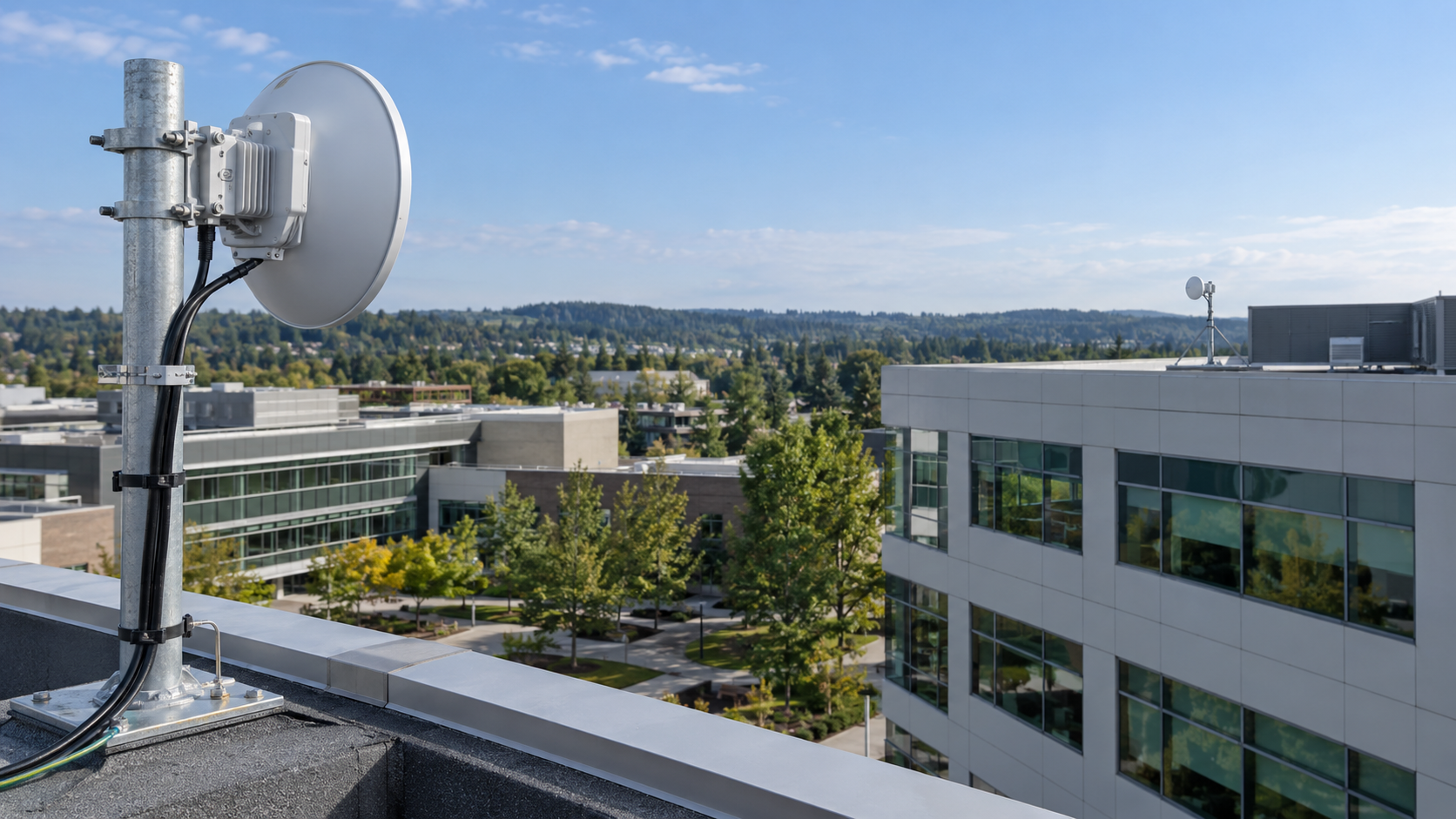
Yes.
This is where migration planning becomes especially important.
A point to point link has two ends.
A point to multipoint network may have one sector serving dozens or hundreds of subscriber radios.
Those radios often belong to a proprietary ecosystem. Changing the access point may also require changing every subscriber module connected to it.
The safest strategy is often:
Build the replacement network beside the existing network, migrate customers or locations in stages, validate performance, and then retire the original system.
For campuses, municipalities, boardwalks, outdoor properties, and public spaces, this may also be an opportunity to rethink the network rather than simply duplicate it.
SLICE has experience designing large area wifi networks such as the mile long Asbury Park Boardwalk network, where an RF site survey, outdoor WiFi, managed services, visitor analytics, temporary event support, and cost recovery capabilities were incorporated into the broader design.
What about FIPS certified wireless hardware?
Government, defense, public safety, and regulated organizations have an additional issue to consider.
Cambium's administration does not automatically invalidate existing FIPS certifications.
In fact, NIST currently lists the Cambium PTP 700 under Certificate #5518 as an active FIPS 140 3 Level 2 hardware module, validated September 10, 2026, with a listed sunset date of September 9, 2031.
But certification and product availability are two different things.
A valid FIPS certificate does not guarantee that replacement hardware, licensing, repairs, firmware, or manufacturer support will remain readily available.
Organizations with FIPS requirements should therefore verify:
NIST certificate number
Exact hardware model
Hardware revision
Firmware version
Approved operating mode
Required licensing
Availability of spares
Support lifecycle
Do not accept “uses AES” or “FIPS capable” as a substitute for an applicable NIST validation.
What should Cambium customers do now?
You do not need to rip out a working network.
You do need a plan.
Start by backing up the network and confirming you can restore it. Identify cloud dependencies. Review spare hardware. Evaluate cnMaestro On Premises where appropriate. Check RF conditions before choosing replacement access points. Engineer point to point links instead of guessing. And create a staged migration plan for point to multipoint networks.
If your existing network is due for an upgrade anyway, this may also be an opportunity to improve it.
You may be able to move to WiFi 6E or WiFi 7, improve coverage, increase redundancy, centralize management, add better monitoring, support temporary event networks, or turn guest WiFi into a cost recovery network.
At SLICE, we work across manufacturers and technologies. We can survey what is already there, identify what can stay, determine what needs to change, and design the next network around the actual location and business requirements. SLICE's services cover design, installation, upgrades, management, temporary and event WiFi, private wireless, and large scale wireless infrastructure.
The question is not simply, “Does my Cambium equipment still work?”
A better question is:
“Can I manage, repair, recover, and expand this network if the services I depend on today change tomorrow?”